Teladoc Login: Simple Steps to Access Care Fast

Medically Reviewed by Dr. Pedro Yelamo Vera, MD
Licensed Physician No. 484814280 · Official Medical College of Bizkaia (Spain)Last reviewed: 6 October 2026
Logging into Teladoc should not stand between you and quick care. Yet many find the first step—Teladoc login—frustrating, especially when time is tight and…
You don't have to figure this out alone
Dr. Pedro Yelamo Vera is an independent, bilingual GP licensed in Spain. Book a 20-minute video consultation in English or Spanish for €50, with a private electronic prescription issued under Spanish law when clinically appropriate.
Logging into Teladoc should not stand between you and quick care. Yet many find the first step—Teladoc login—frustrating, especially when time is tight and stress is high. For expats, travelers, and digital nomads in Spain and the EU, knowing exactly how to sign in can clear that hurdle fast. This post offers a calm, simple path to get you through login glitches and into care without extra hassle. For more insights on healthcare access in Spain, you might find this guide helpful.
Quick Teladoc Login Guide
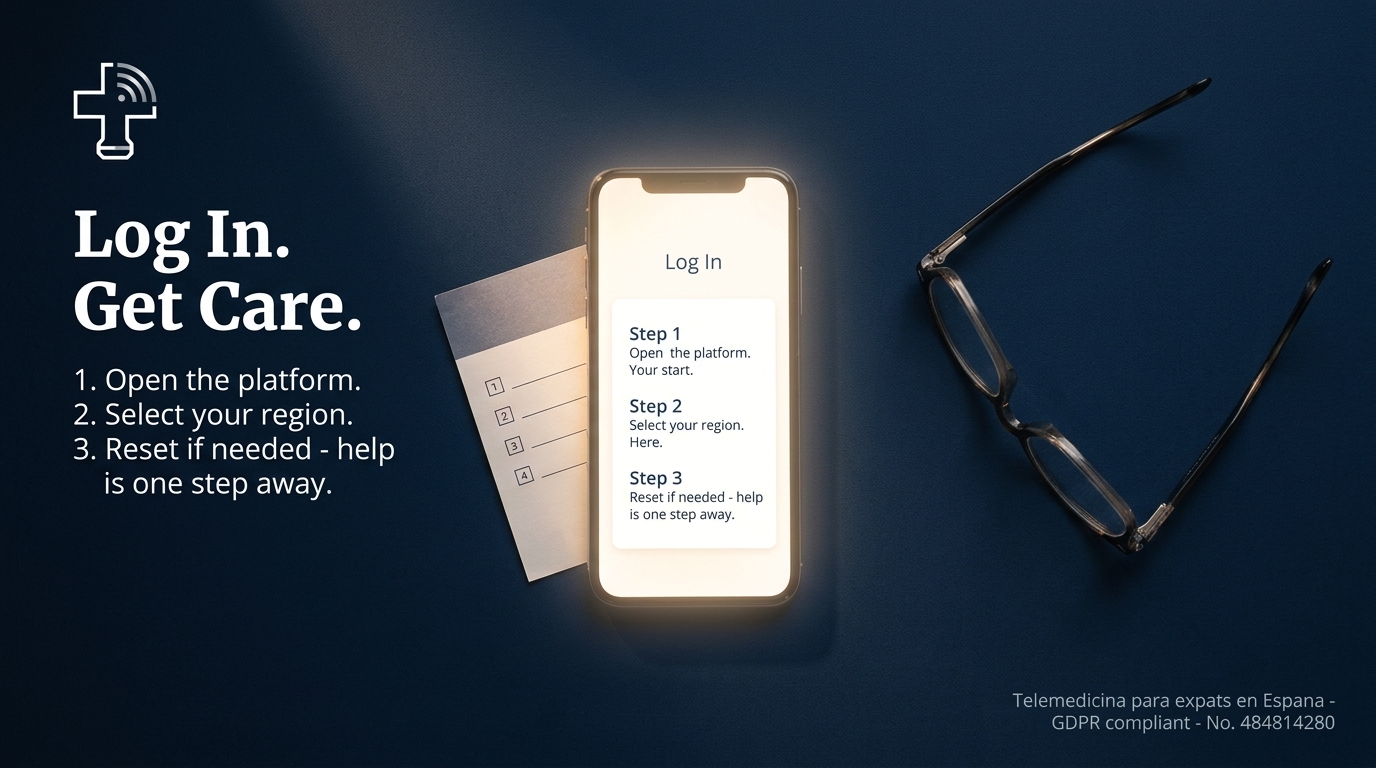
Step-by-Step Login Instructions
Accessing your Teladoc account swiftly is the first step towards getting the care you need. Here's how you can log in without any hassle:
Visit the Teladoc Website: Open your browser and go to the Teladoc homepage.
Enter Your Credentials: Input your registered email and password in the login fields.
Click 'Sign In': Press the "Sign In" button to access your account.
If everything is correct, you should now be logged into your Teladoc account, ready to book appointments or consult with doctors.
Troubleshooting Login Issues
Even with the best preparation, login issues can arise. Here’s how to tackle them:
Forgotten Password: Click on the "Forgot Password?" link on the login page. Follow the instructions to reset it.
Browser Issues: Sometimes, clearing your cache or trying a different browser can resolve login problems.
Incorrect Credentials: Double-check your email and password for typos.
If these steps don’t resolve the issue, contacting Teladoc’s support can offer additional guidance.
Understanding Two-Factor Authentication
Two-factor authentication (2FA) adds an extra layer of security to your account. Here’s how it works:
Receive a Code: After entering your login details, you’ll be sent a code via SMS or email.
Enter the Code: Input this code on the Teladoc website to verify your identity.
This process ensures that even if someone else knows your password, they cannot access your account without the secondary code.
Navigating Teladoc Account Access

Password Reset Solutions
Resetting your password shouldn’t be stressful. Here’s a straightforward path:
Initiate Reset: Click "Forgot Password?" on the login page.
Follow Instructions: An email will guide you through the reset process.
Set a New Password: Create a strong, memorable password.
Remember to choose a password that combines letters, numbers, and symbols for enhanced security.
Choosing Language and Region Settings
Selecting the right language and region settings ensures a seamless experience:
Access Your Profile: Once logged in, go to account settings.
Select Language: Choose your preferred language for ease of communication.
Set Region: Ensure the region is set to your current location for accurate service delivery.
These settings help you receive care in your preferred language while accessing region-specific services.
Streamlined Online Healthcare in Spain
Accessing English-Speaking Doctors
Finding an English-speaking doctor in Spain is easier than you think:
Filter Search Results: Use Teladoc’s search feature to filter doctors by language.
Schedule Appointments: Book consultations with English-speaking specialists online.
This ensures you receive care in a language you’re comfortable with, eliminating communication barriers.
Benefits of GDPR-Compliant Telemedicine
GDPR compliance ensures your data is handled securely:
Privacy Assurance: Your personal information is protected under strict regulations.
Secure Communications: All interactions and data exchanges are encrypted.
Such compliance provides peace of mind, knowing your medical consultations are confidential and secure.
Frequently Asked Questions
How do I reset my Teladoc password if I forgot it?
To reset your password, click "Forgot Password?" on the login page, and follow the email instructions to create a new one.
What should I do if I can't log into my Teladoc account?
First, ensure your credentials are correct. If issues persist, clear your browser cache, try another browser, or contact Teladoc support.
How does two-factor authentication work on Teladoc?
After entering your password, you’ll receive a code via SMS or email. Enter this code on the website to complete the login process.
Can I choose English as my language for consultations in Spain?
Yes, you can select English in your account settings and filter for English-speaking doctors when booking appointments.
Is my data safe when using Teladoc in the EU?
Yes, Teladoc complies with GDPR, ensuring your information is protected and communications are secure.
Medical Citations & Sources
This content is written and reviewed by a licensed physician with reference to the following official health authorities.